Make multiplication practice an adventure
Multiplication practice doesn’t have to be a battle, even when 7 × 8 still won’t stick after three tries. In Pet Rocket, your child flies to the Moon with their favorite pet, practicing multiplication and division facts along the way. With the Multiplication Coach in the Moon Pass, the facts your child misses come up more often.
What parents and teachers say
My daughter is in second grade and just started learning her multiplication facts. She’s a big fan of the game! I love that you can pick which tables to practice. Really nicely made!
Our 11-year-old daughter already knows her multiplication facts, but she still enjoyed the game.
Great job! I’ll definitely use it with my oldest and with my class.
I’ve already passed the multiplication site along to a few moms. I teach third grade, so it’s a really fun alternative way to practice.
Comments from the first parents and teachers who tried Pet Rocket. Translated from Dutch.
How it works
- Pick one of 20 pets, then type your pet’s name and your own.
- Choose multiplication (3 × 4), division (12 ÷ 3), or Mix (both together).
- Choose your facts: all tables (1 to 10), the hardest ones (6, 7, and 8), or your own selection.
- Tap the rocket to launch. You play two one-minute rounds, then see how many you got right.
What will my child practice?
The game covers the multiplication and division facts from 1 to 10. It supports a key 3rd grade skill: fluently multiplying and dividing within 100 (Common Core 3.OA.C.7). The Moon Pass includes the Multiplication Coach: problems your child misses come up more often, and ones they already know come up less. Missed problems show up again a few questions later.
No long lists and no long explanations, just one problem at a time. Your child types the answer and sees right away if the rocket climbs.
Pick a multiplication table
See every fact in a table, learn a helpful strategy, and start practicing.
Tools
From the blog
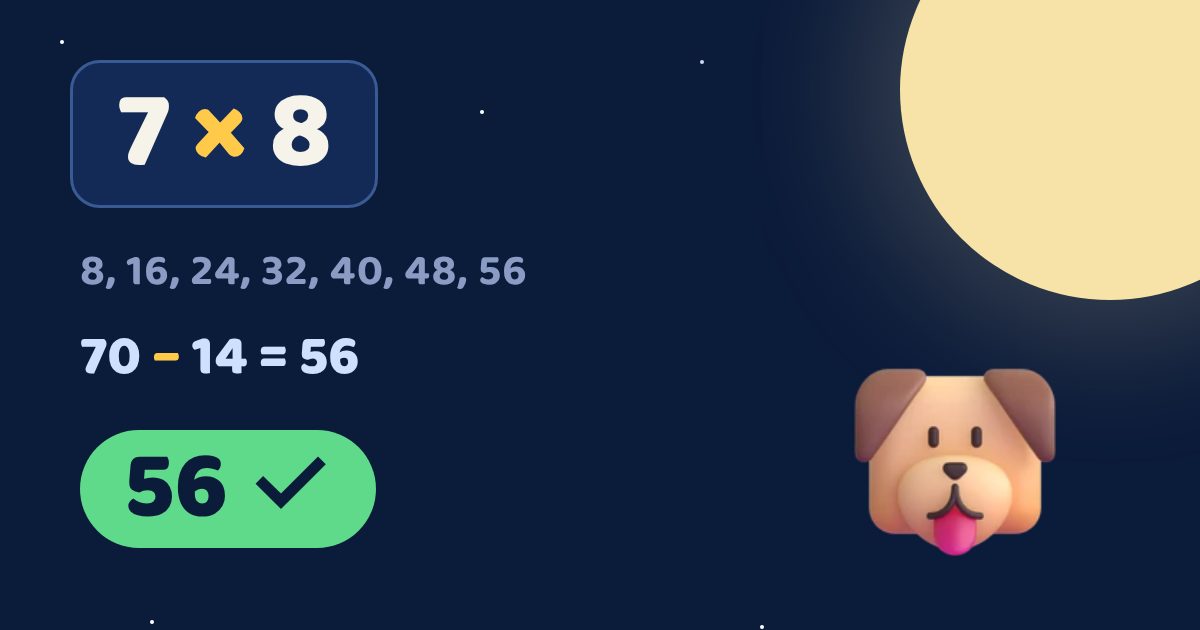 Multiplication fact fluency: what it means and how to help at homeYour child gets 7 × 8 right, but it takes a while. What fact fluency means, and how you can help at home.November 9, 2026 · Read the article ›
 Child refuses to practice multiplication? How to end the tearsSighs, tears, a slammed door. Why multiplication practice so often ends in a fight, and what actually helps.November 6, 2026 · Read the article ›
Who is it for?
Pet Rocket is for kids ages 7 to 10 (roughly 2nd to 4th grade) who are learning or reviewing their multiplication facts, at home or in the classroom. Kids can play on their own. Parents can see the best score and accuracy for free; with the Moon Pass, they can also see which facts are still tricky in each table. Pet Rocket is not affiliated with or endorsed by the Common Core State Standards Initiative.
No account needed
No sign-up and no email address, so your child’s name stays on your device. No ads, no tracking cookies. Read our privacy notice.
Frequently asked questions
Is Pet Rocket free?
Yes. Playing is free, and there’s nothing to install. The Moon Pass ($9.99 a year, cancel anytime) adds the Multiplication Coach (missed problems come up more often), multiplication facts for 11 and 12, progress tracking, printable worksheets and certificates, and a bonus game for telling time.
Do I need an account?
No. Just type a first name or nickname and start playing. It isn’t sent to us.
Where are the results stored?
In the browser on your device. If you clear your browser data or switch devices, you start over. After each round we also receive a summary of the problems played, without your child's name (see our privacy notice).
Can I practice division too?
Yes. Choose multiplication, division, or Mix, with both mixed together in every round. The game remembers the choice for each player.
Can I choose a particular table?
Yes. Tap "Pick my own" and choose the tables you want.
Does it work on a tablet or phone?
Yes. It works on phones, tablets, and computers, right in your web browser.
Is there music during the game?
Yes. Calm instrumental music with no lyrics plays at a relaxed pace, only during practice rounds. The sound button at the top of the game turns all sound off, which is useful in the classroom.
Which languages are available?
American English, British English, Dutch, French, German, Spanish, Chinese, and Hindi. Use the menu at the top of the page to switch languages.