Brand kit
Visual design guide
Logo, colour, type, the pets and the little things that make Pet Rocket recognisable at a glance.
Overview
Pet Rocket looks like a calm night sky with a few bright, warm things in it: a rocket, a pet, the Moon and the stars. Dark space blue gives children rest; gold and coral pull the eye to what matters, one thing at a time.
- Calm first. One sum on screen. Lots of space. No clutter around the game.
- Warm highlights. Gold for rewards and choices, coral for the one main action.
- Friendly, rounded shapes. Rounded type, rounded cards, rounded buttons.
- The pet is the hero. Children play for their pet, so the pet is always visible and always kind.
Logo
The logo has three parts: the rocket mark (a rocket with a pet astronaut in the window), the wordmark "Pet Rocket" in Baloo 2 ExtraBold, and a twinkling × ÷.
 Pet Rocket×÷Primary lockup on Space 900 · dashed line = clear spaceRocket mark alone: app headers, stickers, avatarsPet RocketOn light paper (worksheets, certificate): Space 900 wordmark, no × ÷
App icon

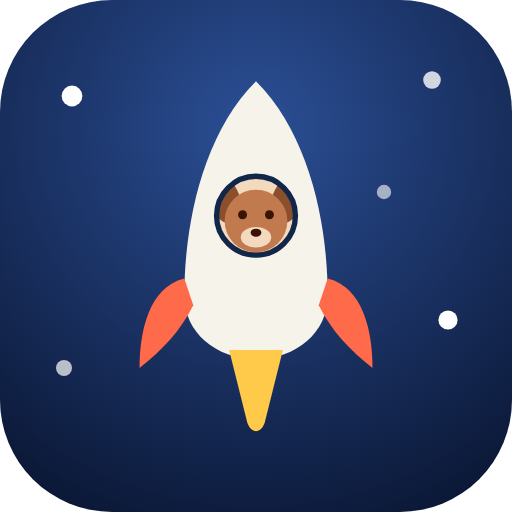
 The rocket on a space-blue rounded square with a few stars. Used for the browser tab, the home screen and the YouTube channel.
Rules
- Clear space: at least half the height of the rocket mark on every side.
- Minimum size: rocket mark 30 px high on screen, 12 mm in print. Below that, use the app icon.
- × ÷ stay in every language, also where the school writes · or : (Germany, the Netherlands, Spain).
- In the site header the × and ÷ twinkle softly (9-second loop, off with reduced motion).
Do
- Use the files from playpetrocket.com.
- Put the logo on Space 900 or a photo dark enough to read it.
- Keep "Pet Rocket" on one line.
Logo don'ts
- Stretch, rotate or recolour the rocket.
- Put the full-colour logo on coral or gold.
- Swap the pet in the rocket for another animal.
- Write the wordmark in another typeface.
- Add a slogan inside the clear space.
Colour
Main palette
Secondary palette
Feedback and function
Colour frequency
About 60% space blue, 15% card blue, 12% ink, 8% gold, 4% coral. Coral is rare on purpose: it marks the one thing to do next.
Digital accessibility
Every text pair below meets WCAG AA. White on CTA red is only for large bold text (18.7 px bold or more).
| Pair | Contrast | Use |
|---|---|---|
| Ink | 15.3 : 1 | All text |
| Ink dim | 7.8 : 1 | Secondary text |
| Gold | 11.1 : 1 | Headings, links, rewards |
| Button | 5.9 : 1 | Main button |
| Chosen | 10.8 : 1 | Chosen option, gold button |
| 🌙 Moon Pass | 8.8 : 1 | Moon Pass pill |
| Label | 9.6 : 1 | Labels on cards |
| Go | 4.1 : 1 | Large bold only |
| Clock | 7.9 : 1 | Clock game |
Do
- Keep the game on Space 900.
- Use gold for one reward or choice at a time.
- Pair colour with an icon or a word, never colour alone.
Colour don'ts
- Use red as a background for the child.
- Put small white text on coral or CTA red.
- Add new brand colours for a single campaign.
Typography
Aa
Baloo 2
Display · 600, 700, 800 · headings, buttons, numbers, the wordmark
Aa
Quicksand
Body · 500, 600, 700 · all running text, labels
Other scripts
- Hindi: Baloo 2 Devanagari, same weights.
- Chinese: the system's rounded sans-serif; we don't ship a Chinese font.
- Flags: Twemoji country flags, so flags look the same on every device.
- Both families are open source (SIL Open Font License) and served from playpetrocket.com, never from Google Fonts.
Do
- Use Baloo 2 for anything a child reads in one glance.
- Keep body text at 16 px or more.
Typography don'ts
- Use thin weights (below 500).
- Set long paragraphs in Baloo 2.
- Use all caps for more than a short label.
The pets
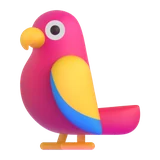
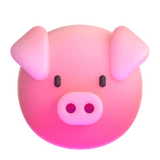
Twenty pets to choose from, plus pets to unlock. They are the heart of the brand: the child practises for their pet.
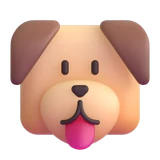 Dog
Dog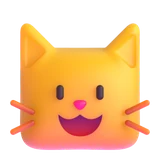 Cat
Cat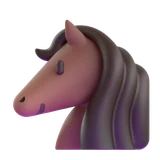 Horse
Horse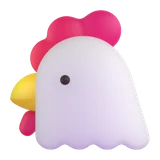 Chicken
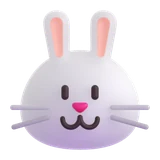 Rabbit
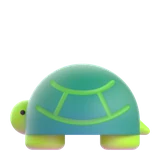 Turtle
 Parrot
 Pig
Pig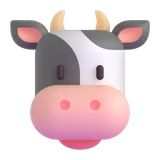 Cow
Cow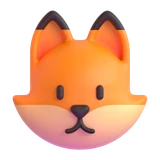 Fox
Fox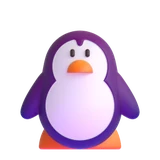 Penguin
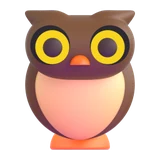 Owl
Owl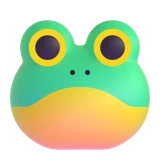 Frog
Frog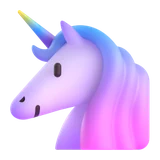 Unicorn
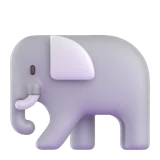 Elephant
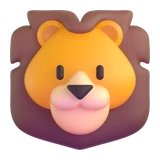 Lion
Lion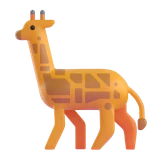 Giraffe
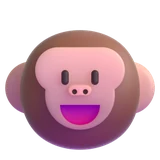 Monkey
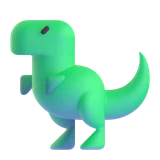 Dinosaur
Pets to unlock
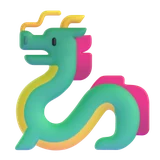 Dragon
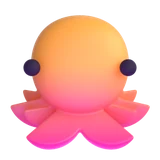 Octopus
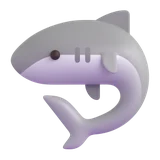 Shark
Shark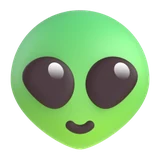 Alien
Alien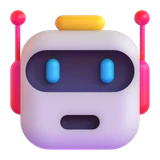 Robot · Moon Pass
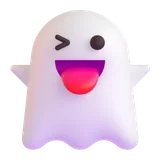 Ghost · Halloween
- Style: 3D emoji in the Microsoft Fluent style, the same on every device. Parents and children preferred these over illustrated heads.
- Always kind: pets cheer, never scold. After a mistake the pet encourages; when a child bangs the keys in frustration, the pet notices and offers a little helper.
- Unlocking: four extra pets are earned by playing (rounds, days in a row, days practised, a table mastered). Robot comes with the Moon Pass; the Ghost only in the Halloween weeks.
- The pet images are © Microsoft (MIT licence). Don't redraw them or give them new expressions.
Graphic elements
The rocket and the Moon
Every right answer lifts the rocket; a mistake drops it one step. The rocket never touches the Moon during a round: there is always a gap. Only when a child knows all the tables does the rocket land, the big final celebration.
Planets
Simplified here. The planet tiles in the trophy cabinet of the game are the model for every place planets appear.
Every table a child knows becomes a planet in the trophy cabinet. A new planet is a real party: "Hooray, you know the 7 times table! Another planet!"
Medals, vehicles and stars
- Medals: one per known table, for days practised and for game moments. Free, outside the Moon Pass.
- Vehicles: a Moon lander when all tables 1–10 are known, a flying saucer when all ten are at 95%.
- Stars: the starfield behind every page, a star at 5 or 10 right in a row.
Keep the game screen simple. Planet visuals inside the game were tested and left out: new visuals on the game screen always start with a mockup.
Components
Buttons
- Coral is the one main action on a screen. Gold for a reward moment. Ghost for everything else.
- Large, rounded (16 px), Baloo 2 Bold. On phones the main button is full width.
The Moon Pass label
- The official Moon Pass logo: a dark pill with a gold border, 🌙 and the name in bold gold letters. Use it whenever the Moon Pass is shown.
- Locked features show a 🔒 and a small gold "Unlock" label.
Feedback tab
Trust line
Small and light grey, right under the main button. It reassures without shouting.
Seasonal moments
From 25 October to 2 November every pet wears a Halloween costume, the Moon wears a witch's hat, a pumpkin planet floats behind the rocket, and pumpkins rain down at the Moon. The Ghost can be won in those weeks. Afterwards everything disappears by itself.
- Seasonal layers sit on top of the normal pet; the pet stays recognisable.
- Never scary: playful costumes only.
- Plan new seasons the same way: a short window, one reward, no switch to turn it off.
Composition
- One thing at a time. One sum, one main button, one message per screen.
- Mobile first. Most children play on a phone or tablet: big tap targets (44 px or more), a number pad close to the thumb.
- Calm motion. Short, soft animations; everything respects "reduce motion".
- Pain first on pages. Pages for parents open with the problem, then the game.
Templates and resources
Share image
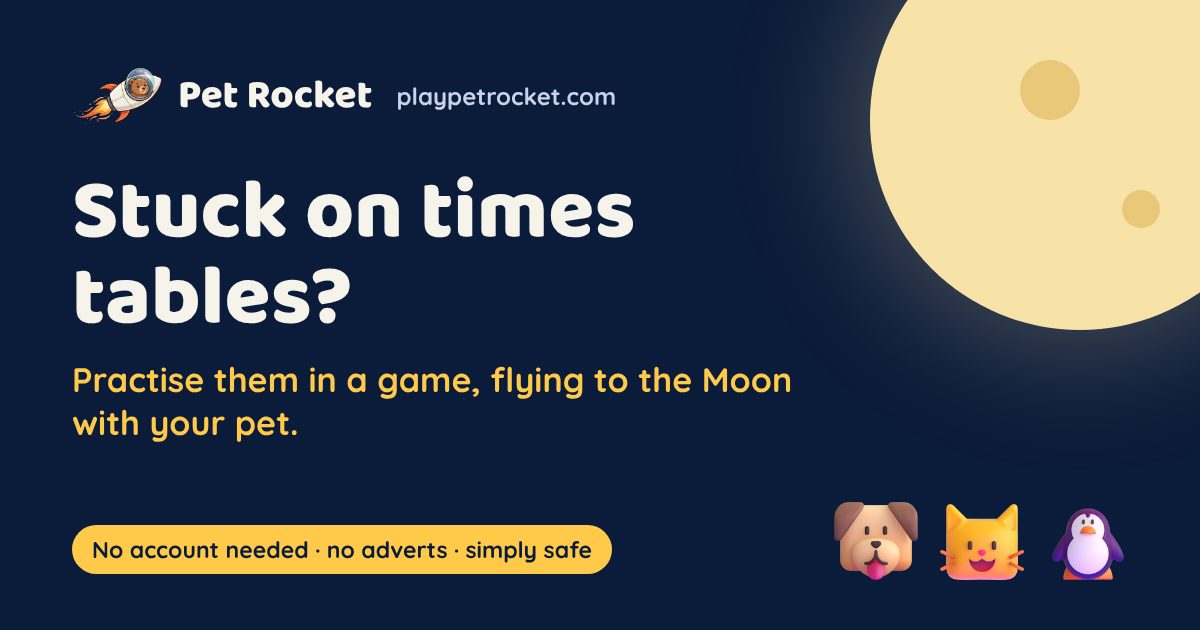
- 1200 × 630 px JPEG, under 300 KB (WhatsApp skips bigger files). One per language.
- Pain first ("Stuck on times tables?"), then the game. Logo top left, the Moon top right, three pets bottom right, a gold badge bottom left.
- A new design gets a new file name, otherwise apps keep showing the old preview.
Files
| File | Use |
|---|---|
| favicon.svg | App icon, any size |
| icon-512.png · icon-192.png | Home screen, app stores, avatars |
| logo-rocket.png | Rocket mark (154 × 100) |
| og-en-v3.jpg (and other languages) | Share images |
| pet-*.webp | Pet images, 160 × 160 |
| Printables | Worksheets and the certificate are made for white paper, with the same typefaces |